 Watch on Instagram
What it does
/brag is a free, open-source skill from latent-spaces. You open Claude Code inside a project you built, like a website or an app, and ask for a video. Claude reads the project, picks the story and the best moments, and renders a short launch video. You get:
- a finished
brag.mp4, with music and sound effects included - motion graphics built from your own product, not stock footage
- ready-to-post share copy for the launch
- the plan it followed, so you can ask for changes
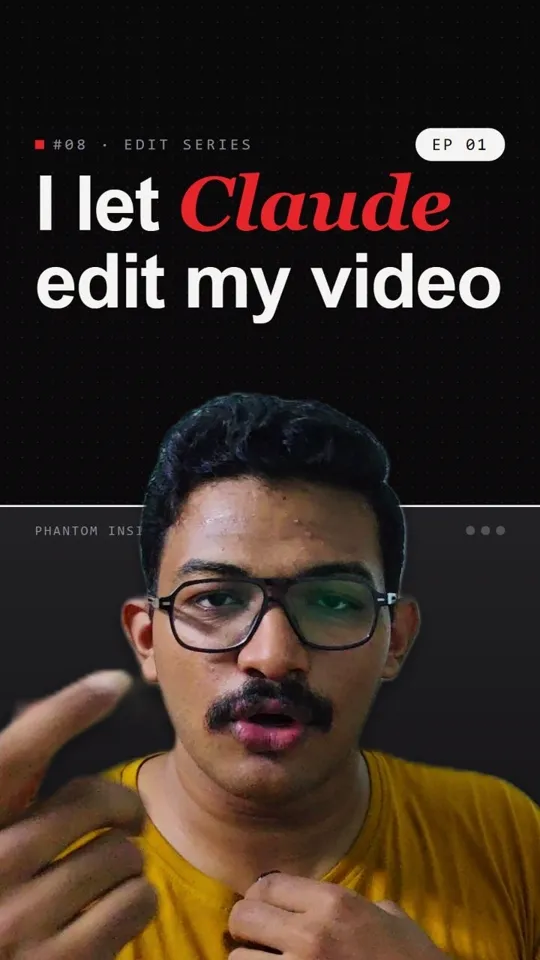
In the reel, I gave it my Provixon project and it made the Provixon Connect intro video you see at the start.
/brag makes a launch or promo video from a project. It doesn’t cut your talking-head footage. For that, use video-use.
Before you start
- Claude Code, which needs a paid Claude plan (Pro or higher). The Claude desktop app’s Code tab works too. That’s what I used in the reel.
- A project folder: your website, app or landing page code. /brag builds the video from what’s inside it.
- Node.js 22 or newer and FFmpeg. Steps 1 and 2 install them.
- 10 minutes, once.
Setup in 6 steps
Install Node.js
/brag needs Node.js 22 or newer. Open PowerShell and run:
winget install OpenJS.NodeJS.LTSInstall FFmpeg
FFmpeg turns the frames into the final MP4.
winget install Gyan.FFmpegCheck it workedClose PowerShell, open a new one, and runnode -vandffmpeg -version. Node should show v22 or higher.Open your project in Claude Code
Go to the folder of the website or app you want to show off, and start Claude:
In the desktop app, open the Code tab and pick the same folder.cd "D:\Projects\my-website"; claudeAdd the /brag skill
Type these two lines into Claude Code, one at a time:
/plugin marketplace add latent-spaces/brag/plugin install brag@bragShortcut from the reelIn the reel I skipped this step. I pasted the GitHub link straight into the chat with my request (see step 5), and Claude read the skill from there.Ask for the video
This is the prompt from the reel:
https://github.com/latent-spaces/brag.git hey, I want to create an introduction video. Use this skill to create the video, and it should be an action-packed video for my brand.
If the skill is installed, this shorter version works too:
let's /brag
Get your video
When it’s done, open the new
brag-outputfolder in your project. Your video isbrag.mp4. The same folder has the plan and the share copy.
Prompts that work
Steer the tone:
/brag --tone "calm and premium, like an Apple product launch"
Add a voiceover. It’s off by default:
/brag --voice
Ask for a change after the first render:
Make it 15 seconds, put the logo in the last 2 seconds, and use our brand orange.
/brag or /brag-slim?
On the newest Claude models (Opus 5.5, Sonnet 5.5, Fable 5.2), /brag switches to /brag-slim automatically. It’s a lighter version that needs no extra video tools. To use the classic version, built on HyperFrames, run /brag --full. Check that HyperFrames works first:
npx hyperframes doctorCommon errors
"ffmpeg is not recognized"
Windows hasn’t picked up the new install yet. Close every PowerShell window and open a new one. If it still fails, restart your PC./plugin is not a command
Update Claude Code (npm install -g @anthropic-ai/claude-code), restart it, and try again. Or use the shortcut prompt from step 5 with the GitHub link.Node version too old
Runnode -v. If it’s below 22, run step 1 again and open a new PowerShell window.