 Watch on Instagram
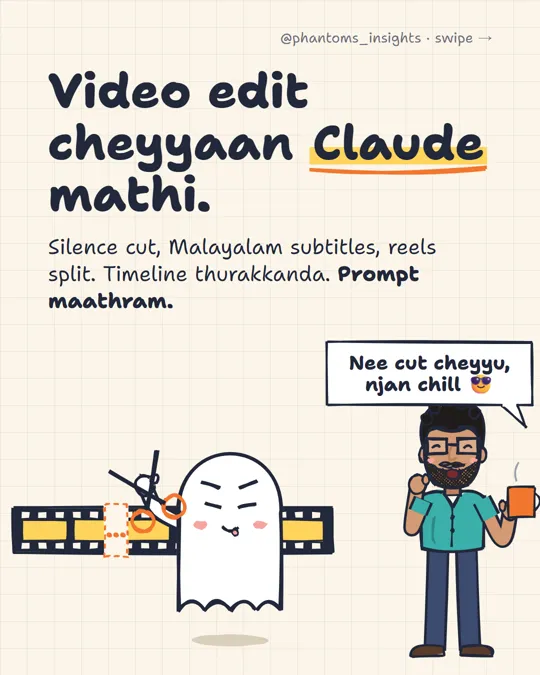
Watch the reel firstVideo edit cheyyaan Claude mathi
What it does
Most editing time goes into the boring parts: cutting silence, removing retakes and adding subtitles. These 5 prompts hand that work to Claude Code. You don’t open a timeline.
You can paste the prompts in English, Malayalam or Manglish. Replace anything in [brackets] with your own details.
Before you start
- Claude Pro or higher. Claude Code comes with it.
- A laptop, Windows or Mac. A phone won’t work.
- Your raw video in one folder.
Claude asks permission before installing tools like FFmpeg and Whisper. Read what it wants to run, then click Allow.
| Tool | Needed? | What it’s for | How to install |
|---|---|---|---|
| Claude desktop app + Claude Code | Must | Every prompt runs here | claude.ai/download, Pro plan |
| FFmpeg | Must | Cuts, joins and burns in subtitles | Windows: winget install Gyan.FFmpeg · Mac: brew install ffmpeg |
| Python + Whisper | For subtitles | Free transcript, runs on your laptop | pip install openai-whisper |
| video-use | Optional | Full edit by chat | Needs an ElevenLabs API key |
| HyperFrames | Optional | Animated titles, captions, motion graphics | npx skills add heygen-com/hyperframes --all |
The 5 prompts
Give Claude your folder
Open the Claude desktop app → Code tab → select the folder with your video. Then paste:
This folder has my talking-head videos. Check if the tools I need for video editing (FFmpeg, Whisper) are on my laptop. If not, tell me the steps to install them and I'll approve.
Cut the silence
Remove silences longer than 0.5 seconds from [video.mp4]. Keep natural pauses. Don't cut in the middle of a sentence. Don't remove the short pauses where I breathe.
Don't skip the last 2 linesIf Claude cuts every silence, the video sounds like a robot.Ask for the cut list first
Before cutting, give me a timestamp list of where you'll cut. For each cut, one line on what's said just before and after it. Render only after I say OK.
Check the list and say OK. No retakes, no re-renders.
Malayalam subtitles
Use Whisper to make a Malayalam transcript of this video. Subtitles 2-3 words at a time, centred, keyword in yellow. Give me the .srt file and the video with subtitles burned in.
Spell these words exactly like this: [Claude, token, ChatGPT, reel].
Tip: list your English wordsPut every English word you use in the video into that list. Accuracy goes up a lot.One long video into 3 reels
Turn this video into 3 reels, each 60-90 seconds. End each part only after a point is fully explained. No mid-sentence cuts. List the first line of each reel.
Bonus: the final check
Check the final videos for any abrupt cut, black frame or audio jump, and report them with timestamps.
Common errors
Malayalam subtitles have wrong words
Standard Whisper models struggle with Malayalam. Ask Claude to use theadalat-ai/ct2-whisper-medium-ml-rmft model with faster-whisper instead. And always give it your English word list.